
Your HR work, from employee records to reports
A closer look at the day-to-day tools behind ScanDigits HR.
Request a demoKeep every employee's story in one profile
Move between profile details, employment events and HR documents without losing the history behind a decision.
- Departments, positions and organization structure
- Contracts, documents and salary changes
- Transfers, terminations and rehire history
- Employee fund and advance balances
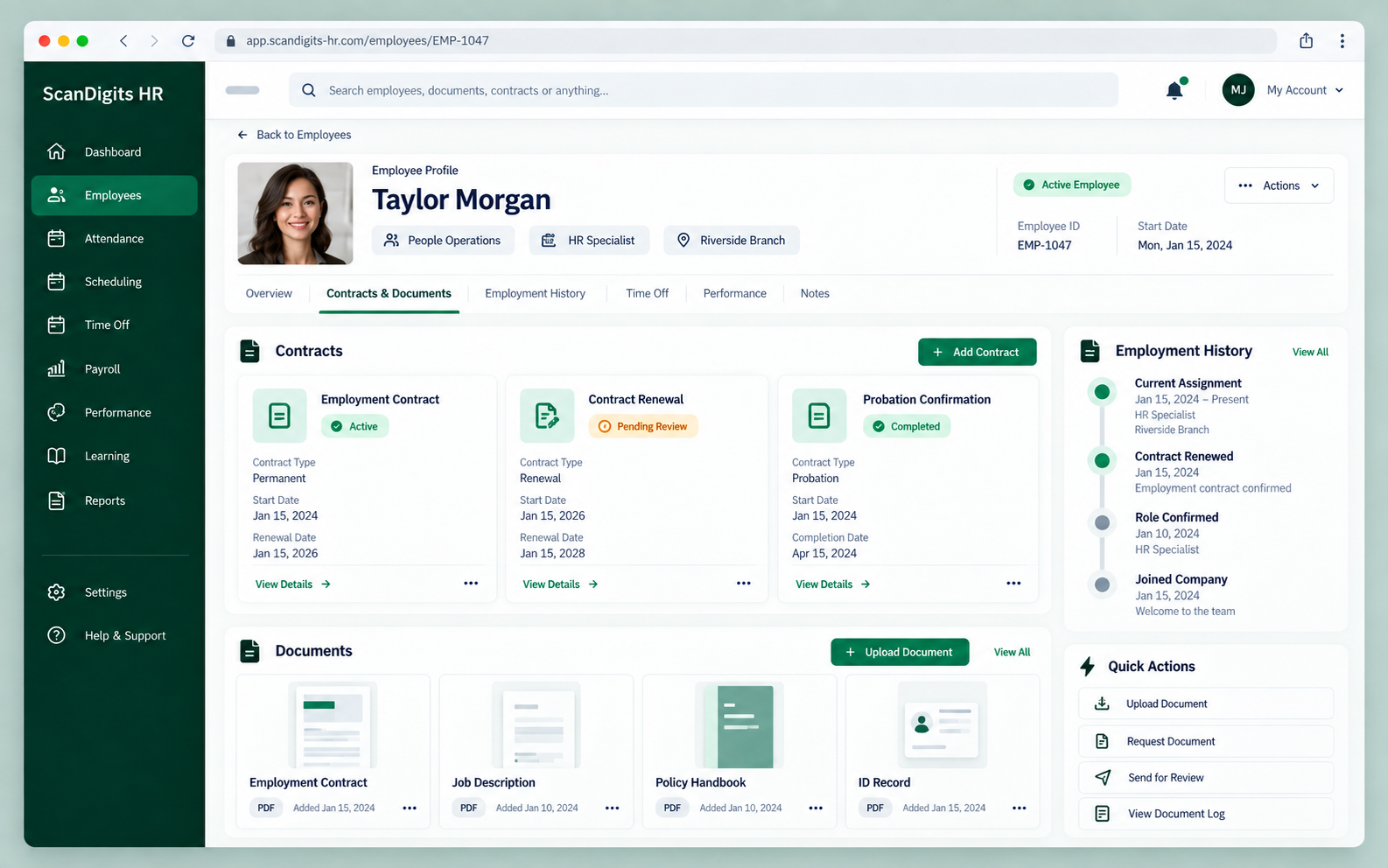
Contracts and documents preview
Plan working time with room for exceptions
Start with default shifts and then tailor individual assignments when the schedule changes.
- Default shift rules for selected departments
- Employee-specific shift overrides and exceptions
- Shift dates, start and end times, breaks and notes
See scheduled time beside actual time
Track clock-in and clock-out activity, breaks, late time and extra hours to understand the workday.
- Clock-in, clock-out and break records
- Bulk attendance actions and spreadsheet import
- Worked, late and extra hours in attendance reports
Make each approval easy to review
Preview the request details and decide on leave, overtime, employee advances and payroll adjustments from a central view.
- Paid and unpaid leave with dates and reasons
- Overtime requests and their rate multipliers
- Advance and adjustment approval history
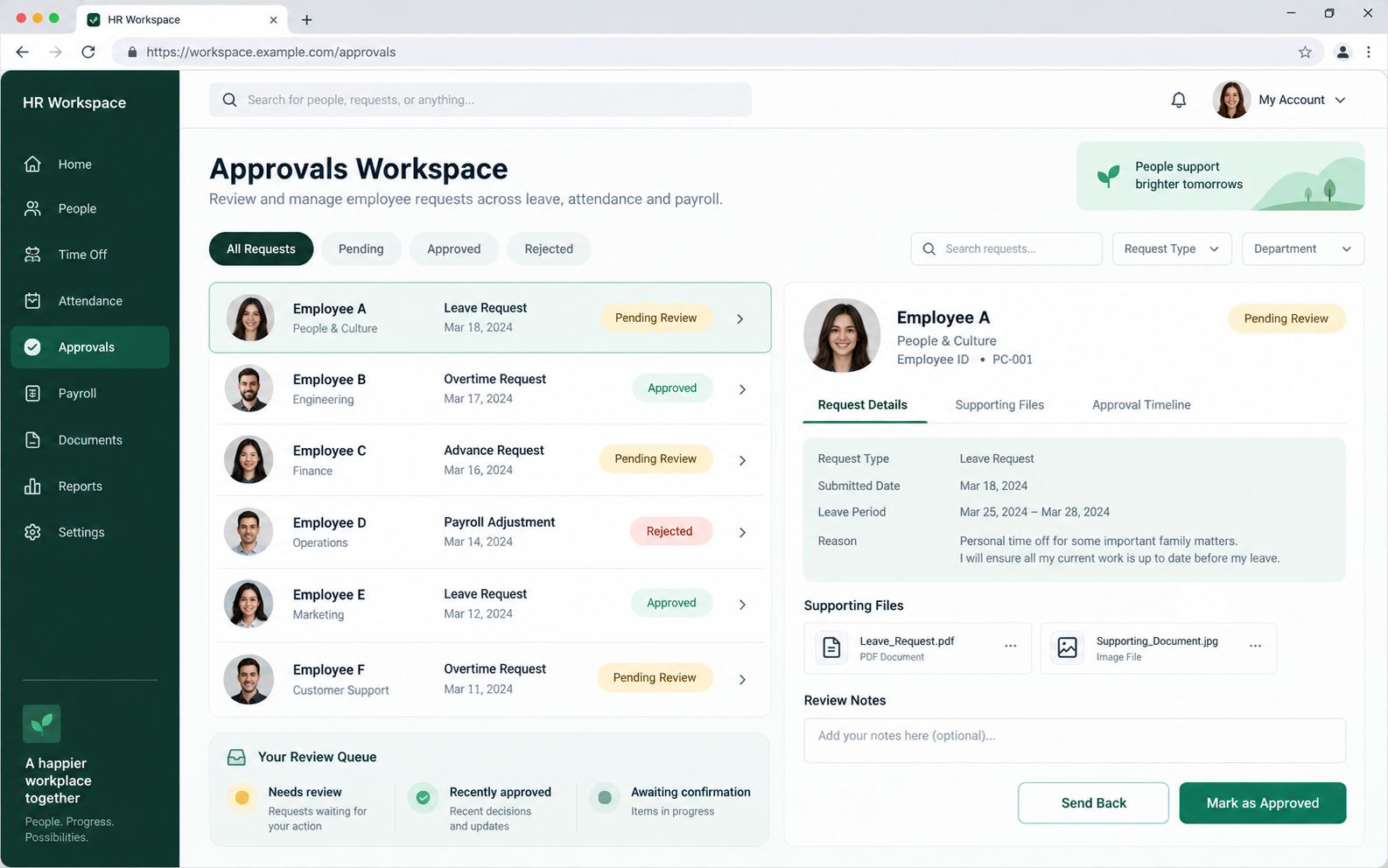
Approvals preview
Review and pay with the details in view
Payroll runs connect salary details with approved changes and payment records, so each employee's result can be reviewed.
- Draft and posted payroll runs, with payment status per employee
- Leave, overtime and adjustments in the payroll breakdown
- Advance deductions and manually paid salaries
- Multi-currency settings and printable salary receipts
Give HR and managers a clearer view
Use HR reports to inspect employee balances, recent payroll runs, transactions, attendance and labor cost.
- Employee balances and fund transactions
- Payroll history and salary breakdowns
- Attendance metrics and labor cost views
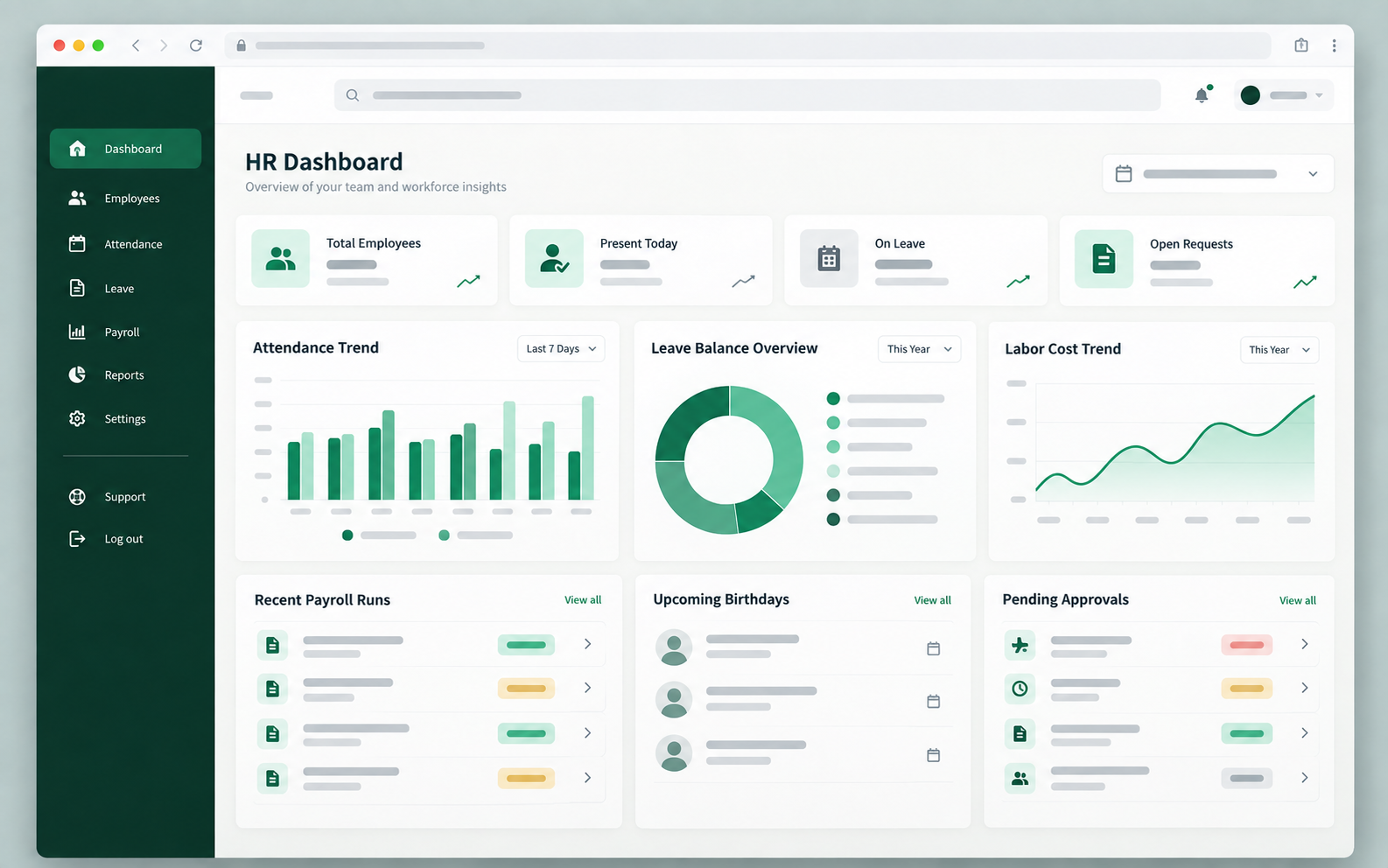
HR reports preview
Want a walkthrough of the full workflow?
Show us how your team works today and we'll focus the demo on the tools you need.