
Organize the team
Set up employee records, departments, contracts and working schedules.
From employee records and shifts to attendance, approvals and payroll, keep the entire HR workflow connected.

Brands featured by Mataami
Keep important employee information and the work around it in one system, from scheduling to the final salary receipt.
Profiles, contracts, documents, departments and employment history in one place.
Learn more ↗ 02Set default shifts by department and tailor individual schedules.
Learn more ↗ 03Track clock-ins, breaks, worked hours and approved overtime.
Learn more ↗ 04Review leave, overtime, advances and pay adjustments in one workflow.
Learn more ↗ 05Prepare payroll, account for advances and keep a clear record of payments.
Learn more ↗ 06Review balances, payroll runs, transactions, attendance and labor cost.
Learn more ↗Explore a guided, illustrative view of how employee records, time, approvals, payroll and reports connect.
Illustrative workflow preview. No live employee data is shown.
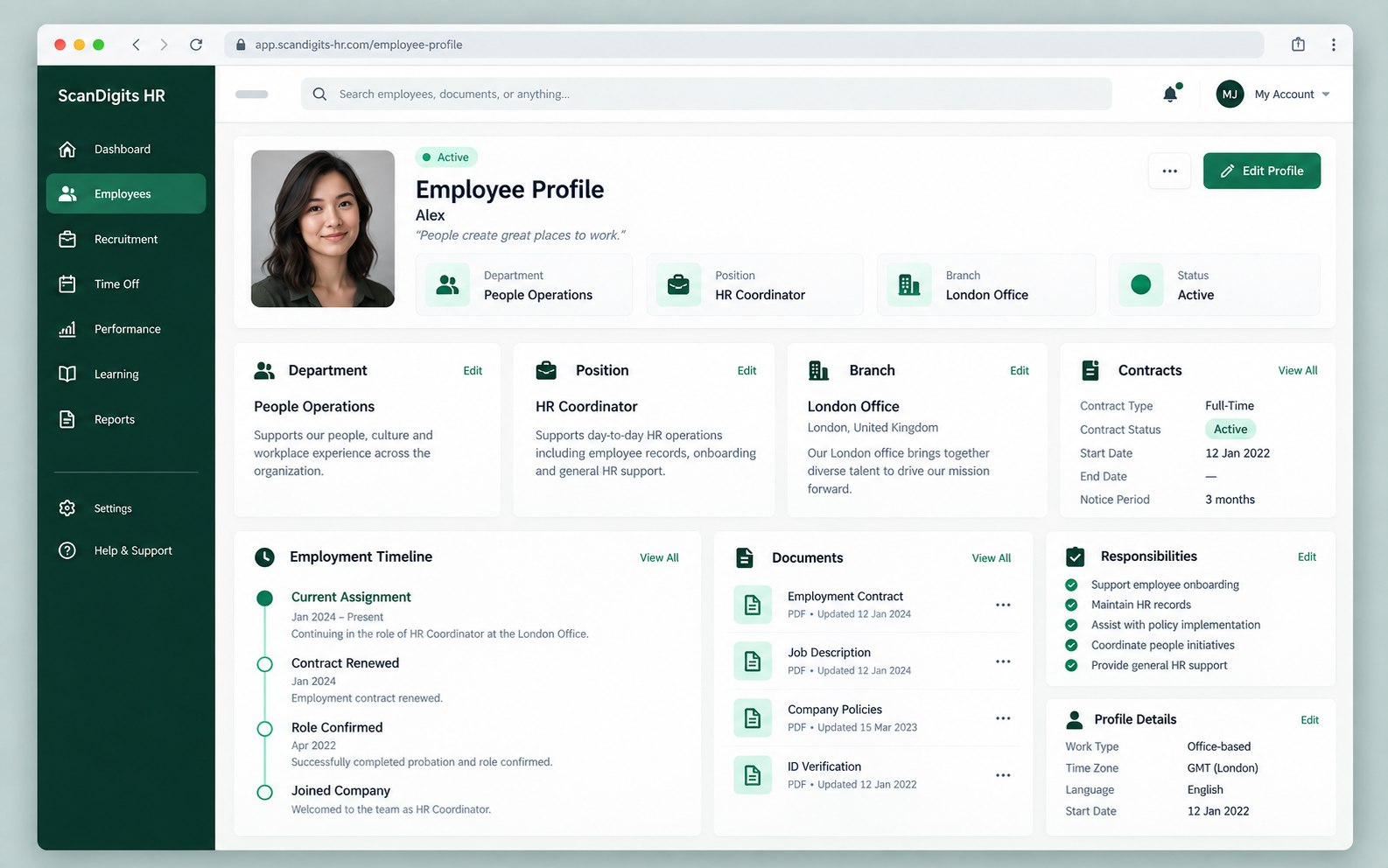
Keep the essential details in each employee profile, so your team can follow changes without searching across disconnected files.
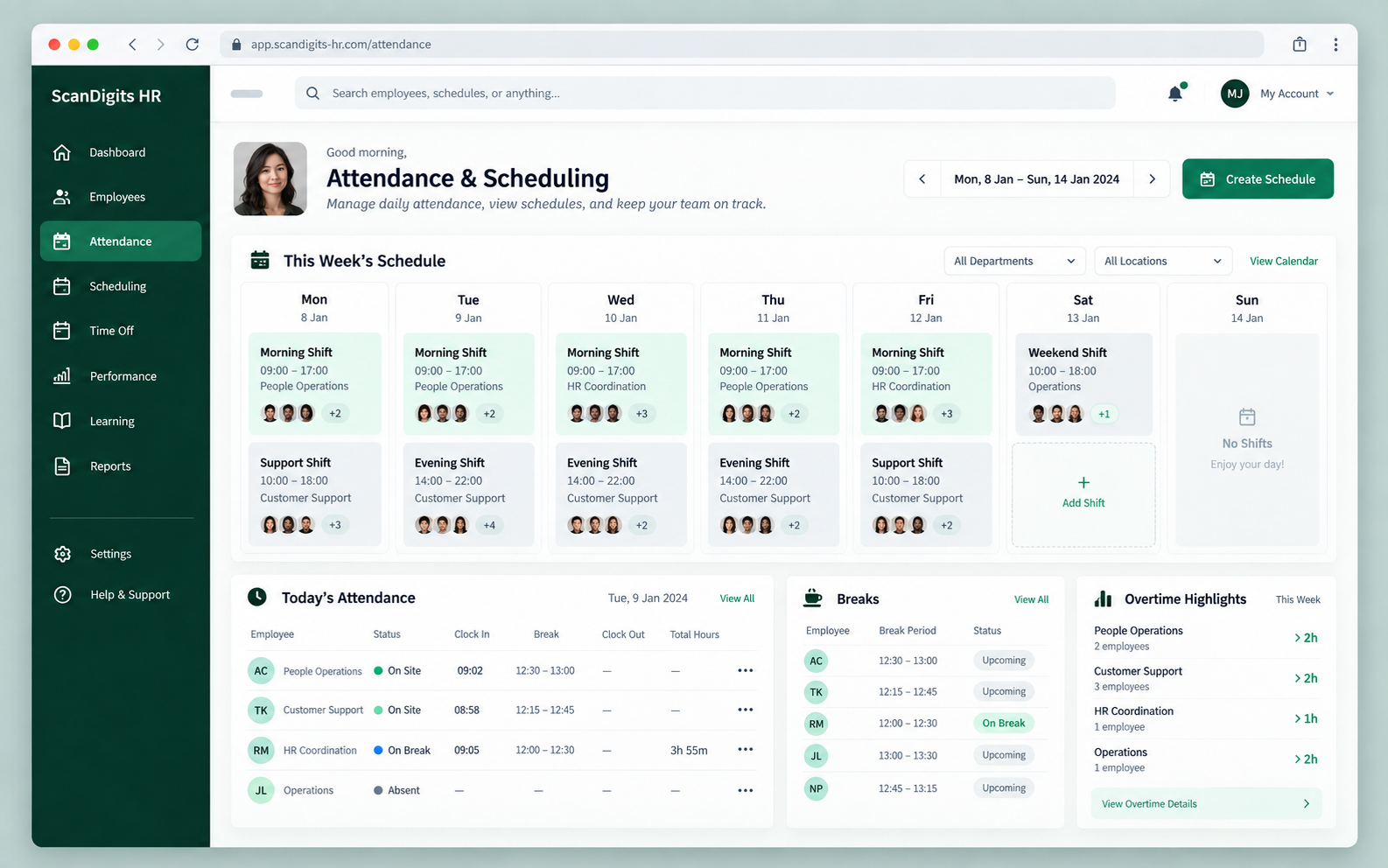
Build schedules and follow actual attendance, breaks, late time and extra hours from the same HR workspace.
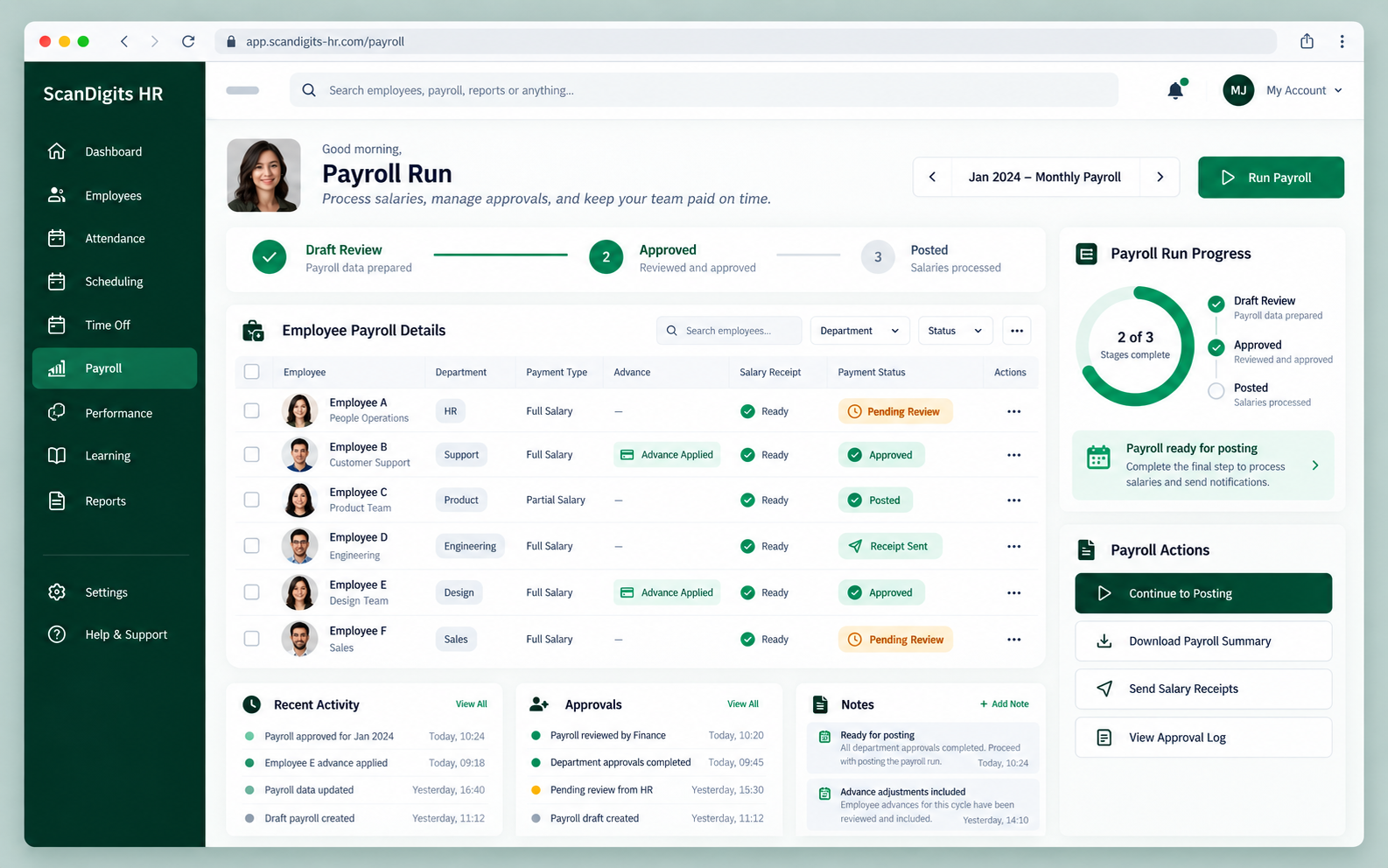
Review each payroll run, account for approved leave and overtime, handle advances and track which salaries were paid.
Each part of the HR workflow has its place, and the next action stays easy to find.
Set up employee records, departments, contracts and working schedules.
Follow attendance and respond to leave, overtime and advance requests.
Review payroll lines, record payments and keep reports for reference.
Each stage gives the next one useful context, so teams can follow what happened and what comes next.
Start with a complete employee profile.
Plan shifts and record the actual day.
Review leave, overtime and advances.
Apply approved changes to payroll.
Review balances and team activity.
A quick look at how the HR workflows fit together.
Yes. Employee records include departments, positions and branch assignments, with schedules that can be set by department and adjusted for individuals.
Attendance, approved leave and overtime are available to the payroll workflow. Your HR settings determine how they are calculated.
The system records advance requests and balances. Payroll payment can deduct eligible advances, and the payment record shows the result.
Yes. Email our team to arrange a walkthrough of the relevant HR workflows and ask about access to the platform.
Tell us what your HR team needs. We'll arrange a walkthrough of the platform.